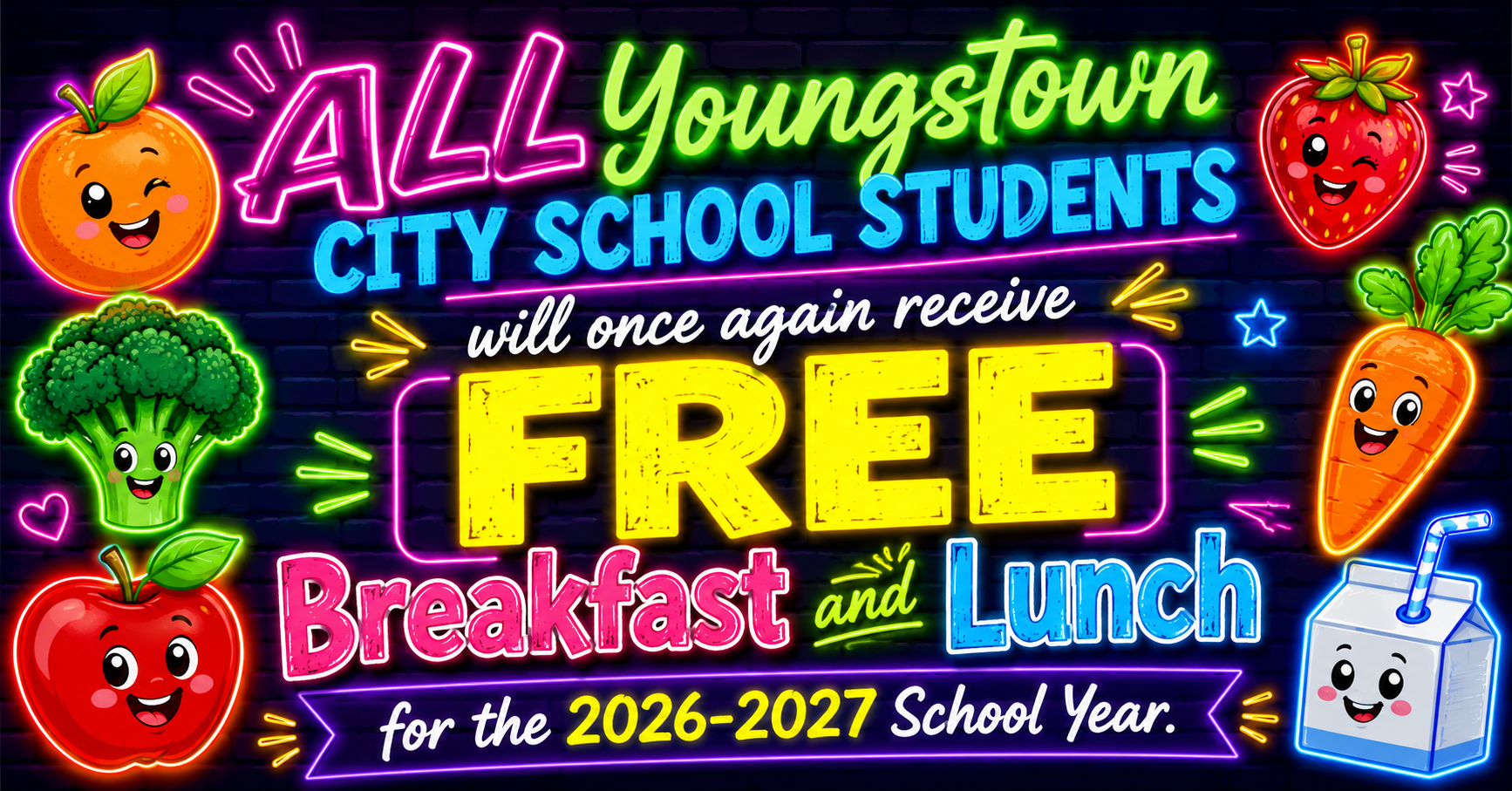

To view your school's menu, click the link below, then select your school and the desired meal period to access the current menu.
New this school year! We are excited to announce that Youngstown City Schools is now using PaySchools to manage our Point of Sale (POS) system.
With PaySchools, you can conveniently add money to your child(ren)'s account to purchase extra food items or snacks. High school students will also have the option to pay for extras and snacks using a credit card (processing fees may apply).
Please review the information below for step-by-step instructions on how to:
Create a PaySchools account
Add funds to your child's account
Use the PaySchools system
Thank you for your continued support, and we look forward to providing you with this new, convenient payment option.

CIVIL RIGHTS MISSION:
In accordance with federal civil rights law and USDA civil rights regulations and policies, the USDA, its agencies, offices, employees, and institutions participating in or administering USDA programs are prohibited from discriminating based on race, color, national origin, religion, sex, disability, age, marital status, family/parental status, income derived from a public assistance program, political beliefs, or reprisal or retaliation for prior civil rights activity, in any program or activity conducted or funded by USDA (not all bases apply to all programs). Remedies and complaint filing deadlines vary by program or incident.
Persons with disabilities who require alternative means of communication for program information (e.g., Braille, large print, audiotape, American Sign Language, etc.) should contact the state or local agency that administers the program or contact USDA through the Telecommunications Relay Service at 711 (voice and TTY). Additionally, program information may be made available in languages other than English.
To file a program discrimination complaint, complete the USDA Program Discrimination Complaint Form, AD-3027, found online at How to File a Program Discrimination Complaint and at any USDA office or write a letter addressed to USDA and provide in the letter all of the information requested in the form. To request a copy of the complaint form, call (866) 632-9992. Submit your completed form or letter to USDA by:
Mail: U.S. Department of Agriculture, Office of the Assistant Secretary for Civil Rights, 1400 Independence Avenue, SW, Mail Stop 9410, Washington, D.C. 20250-9410;
Fax: (202) 690-7442; or
Email: program.intake@usda.gov.
USDA is an equal opportunity provider, employer, and lender.
Please click below for Youngstown School District Wellness Policy